
Handwriting and document scanner
Scan your documents, handwriting, notes, forms, or receipts. Export anywhere.
Upload a photo or scan. Get editable text, Word, PDF, or Excel in seconds.
Drop pages or folders here
Upload up to 10 pages in one document with your free allowance. Folders and large collections open the batch organizer.
YOUR PAGES · BEFORE & AFTER
From paper to your next step.
Without retyping it all.
Share meeting actions, reuse study notes, or recover a brief with handwritten additions. Compare each page with the text Inksight actually returned.
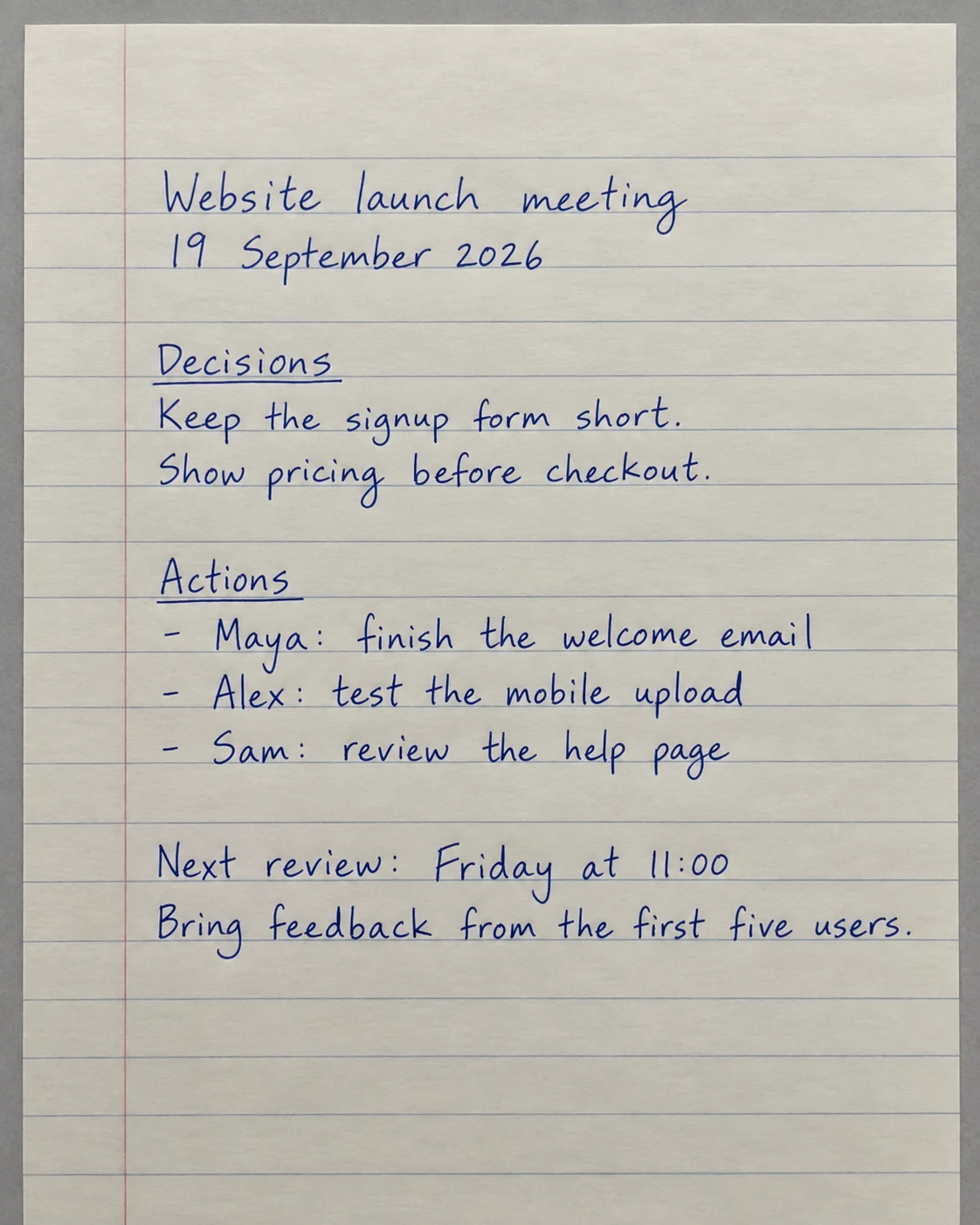
Website launch meeting
19 September 2026
Decisions
Keep the signup form short.
Show pricing before checkout.
Actions
- Maya: finish the welcome email
- Alex: test the mobile upload
- Sam: review the help page
Next review: Friday at 11:00
Bring feedback from the first five users.
Keep decisions and action items together. Review the text, then copy it into a team update or export to Word.
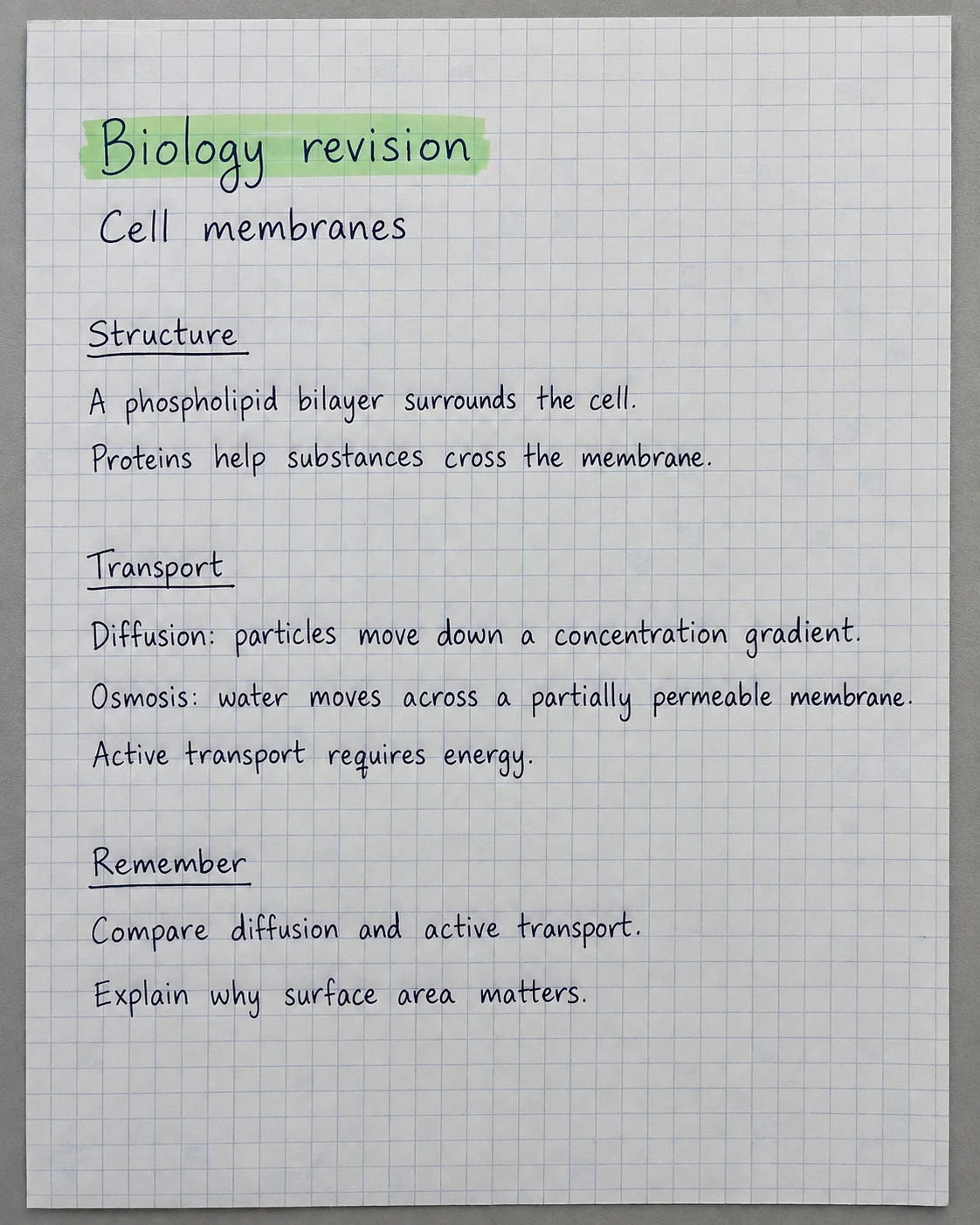
Biology revision
Cell membranes
Structure
A phospholipid bilayer surrounds the cell.
Proteins help substances cross the membrane.
Transport
Diffusion: particles move down a concentration gradient.
Osmosis: water moves across a partially permeable membrane.
Active transport requires energy.
Remember
Compare diffusion and active transport.
Explain why surface area matters.
Turn notebook pages into text you can search and reuse in your revision notes.
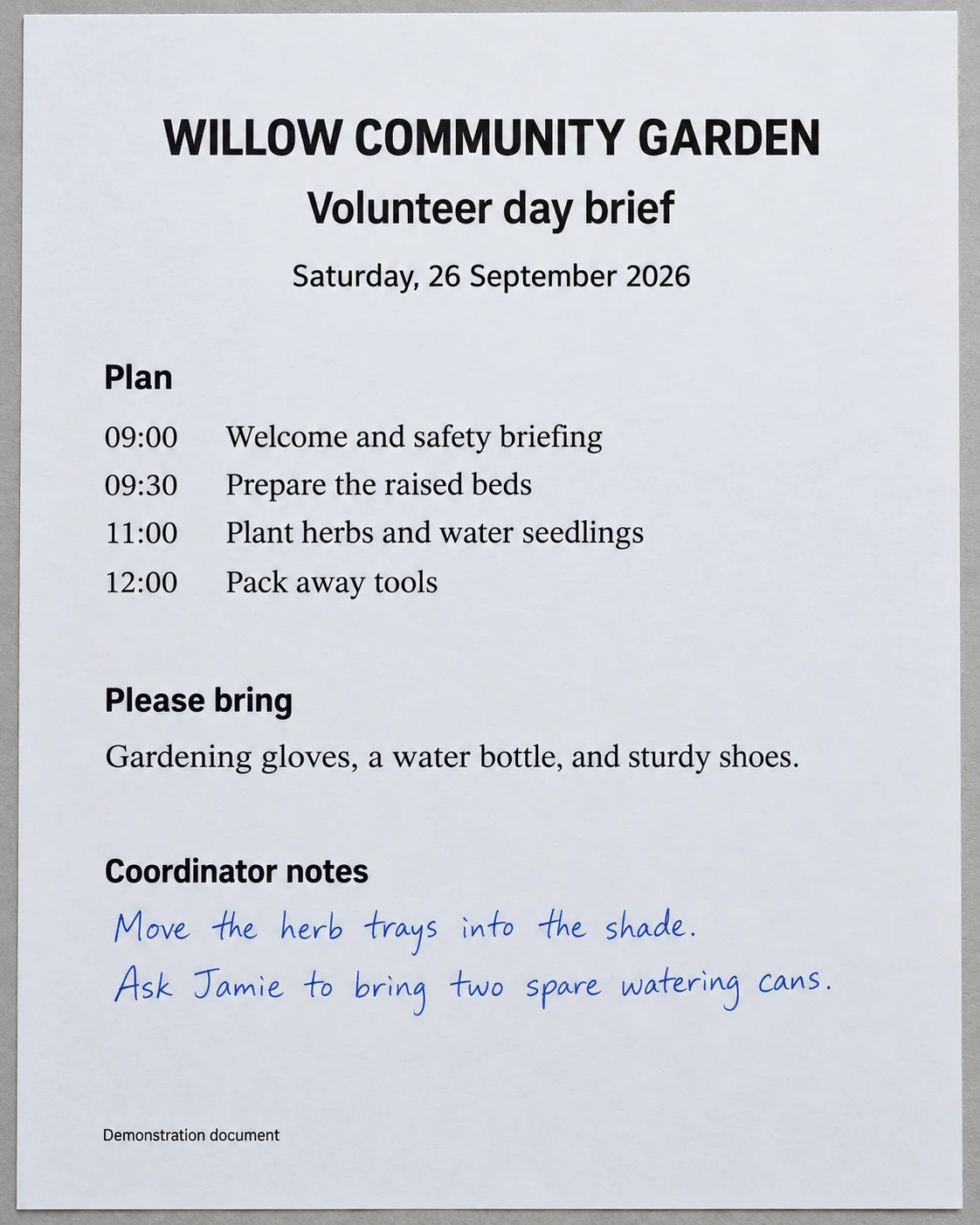
WILLOW COMMUNITY GARDEN
Volunteer day brief
Saturday, 26 September 2026
Plan
| Time | Activity |
|---|---|
| 09:00 | Welcome and safety briefing |
| 09:30 | Prepare the raised beds |
| 11:00 | Plant herbs and water seedlings |
| 12:00 | Pack away tools |
Please bring
Gardening gloves, a water bottle, and sturdy shoes.
Coordinator notes
Move the herb trays into the shade.
Ask Jamie to bring two spare watering cans.
Demonstration document
Read printed instructions and handwritten additions together, then review and share the complete document.
AI-generated demonstration documents, transcribed with Inksight’s OCR. Results shown without text corrections. Accuracy and formatting vary with image quality and document structure. Always review names, numbers, and totals.
Try your own document4.6 out of 5 on Google Play.
135 ratings · 32 written reviews · Play snapshot checked 30 August 2026
Nearly 99,000 completed production OCR pages · Production sessions recorded across 144 countries · Usage snapshot October 1, 2026. How these figures are counted
The format follows the page.
PDF & Word
A page-broken document ready to share or edit.
Excel
Tables stay in rows and columns, not flattened screenshots.
Text
Copy, search, correct, and reuse the complete transcription.
Inksight supports more than 50 languages and writing systems.
A few things you may be wondering.
Can one page contain handwriting and printed text?
Yes. Upload the whole page—Inksight can read printed labels, handwritten answers, tables, and annotations together.
How accurate is Inksight at reading handwriting?
Our September 2026 benchmark compares OCR systems on 205 handwritten pages from public datasets and the Inksight Benchmark. It measures character and word errors on that fixed sample; results on your documents will vary with handwriting, image quality, and layout.
What happens after my ten free pages?
You can preview your finished page, then upgrade to copy, edit, or download it. You will not need to upload or scan it again.
Can I open the same documents on Android?
Yes. Sign in with the same account on the website and Android app, and your documents will be there.